Seedream AI — ByteDance Image Model for UGC Ads | UGCad AI
Seedream · ByteDance · Image Model

Brand-consistent visuals with Seedream-style AI image generation

Seedream is ByteDance's unified image generation and editing model — built for multi-reference consistency, style transfer, and identity-preserving edits. On UGCad AI, generate Seedream-style, on-brand ad visuals through a simple web interface.
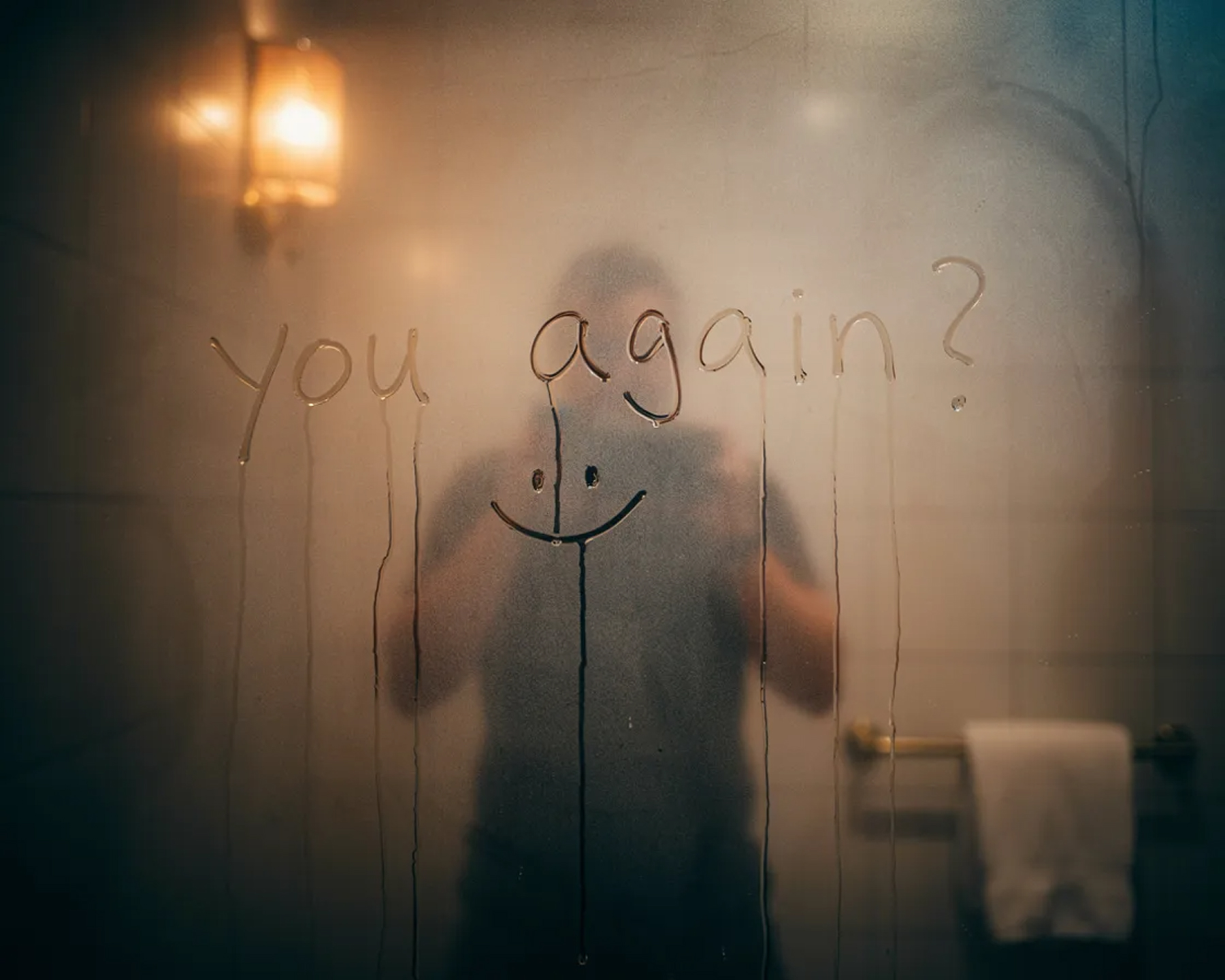
Seedream-style brand-consistent lifestyle image
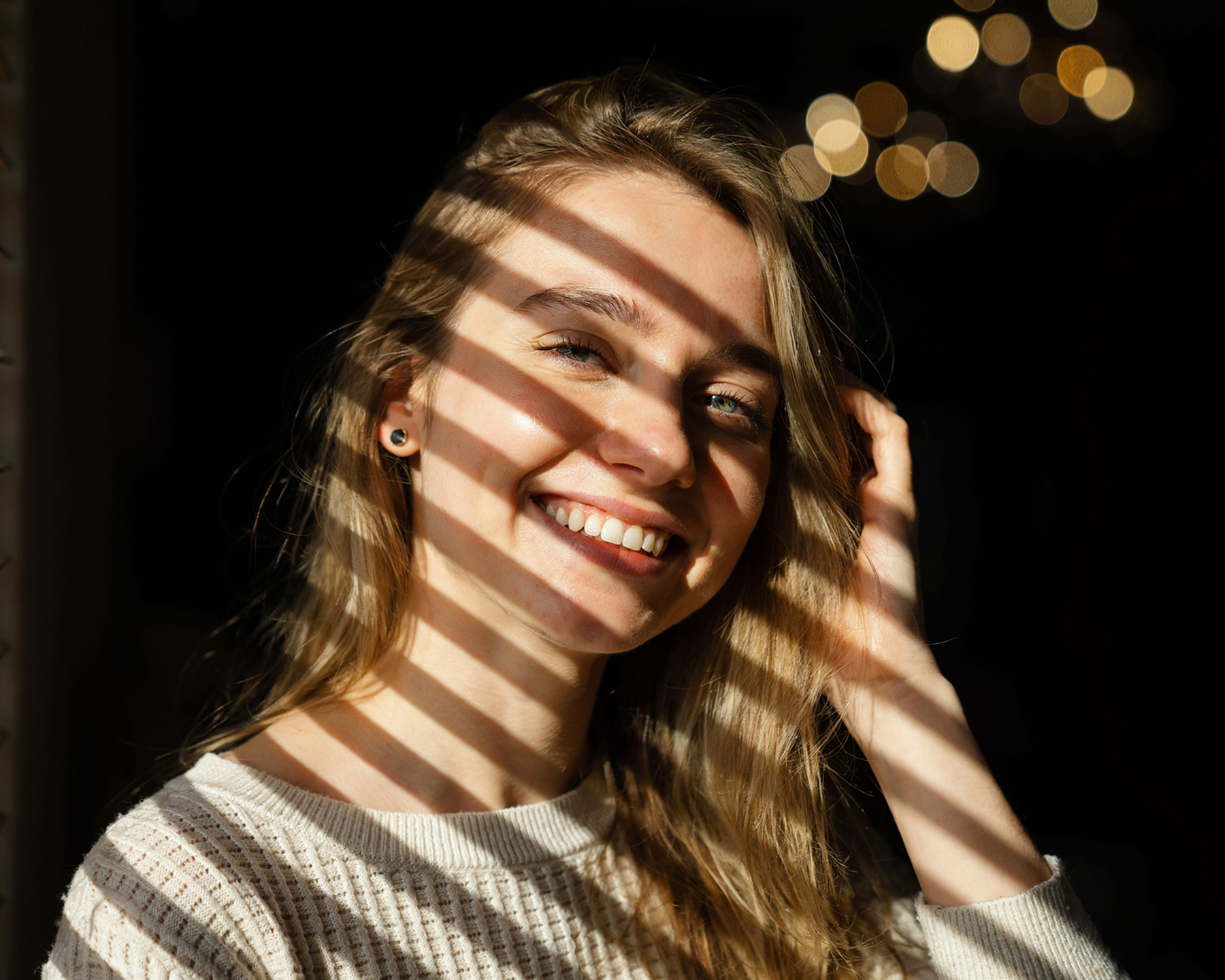
Seedream-style apparel photography with consistent model
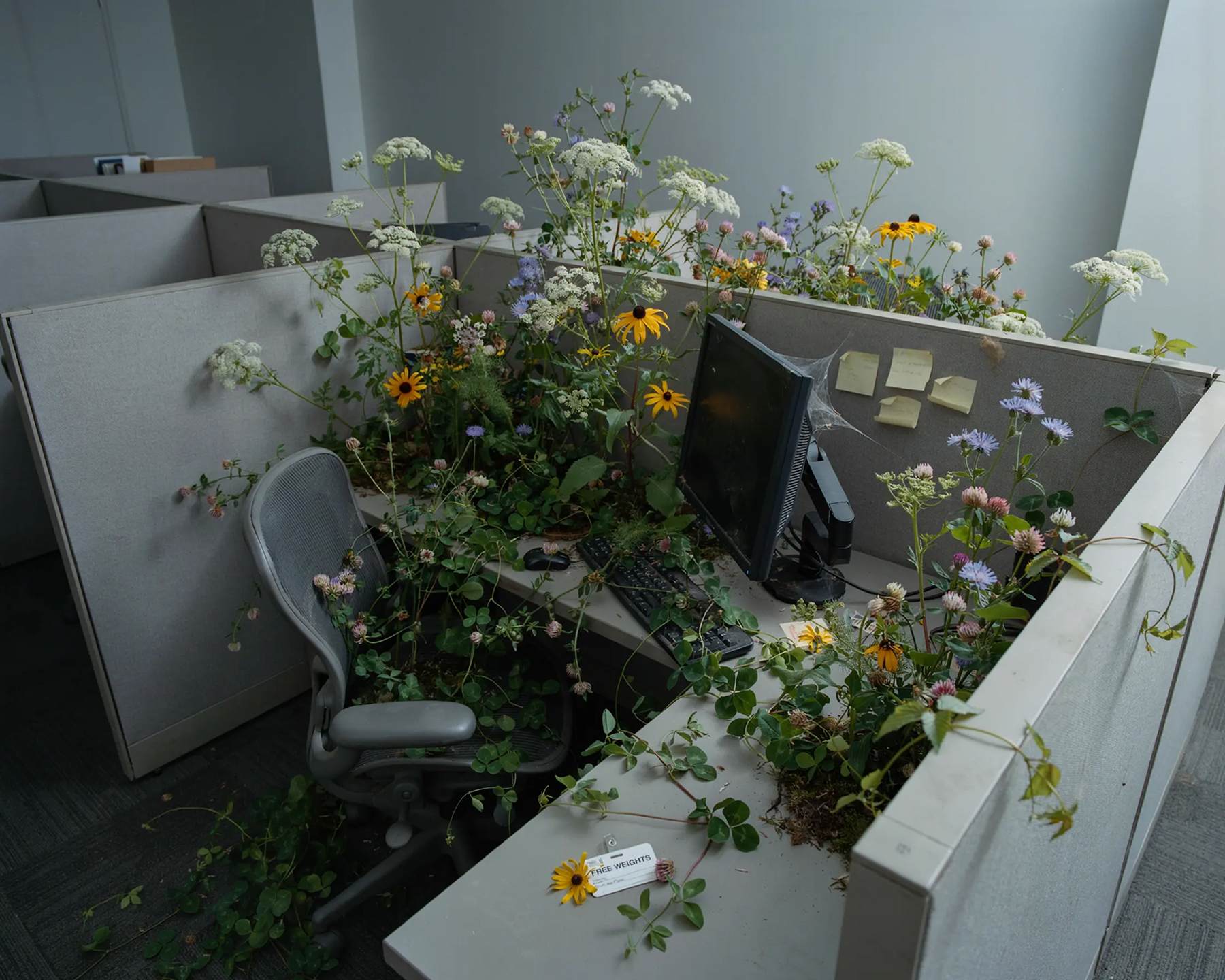
Seedream-style product photography for ad creative
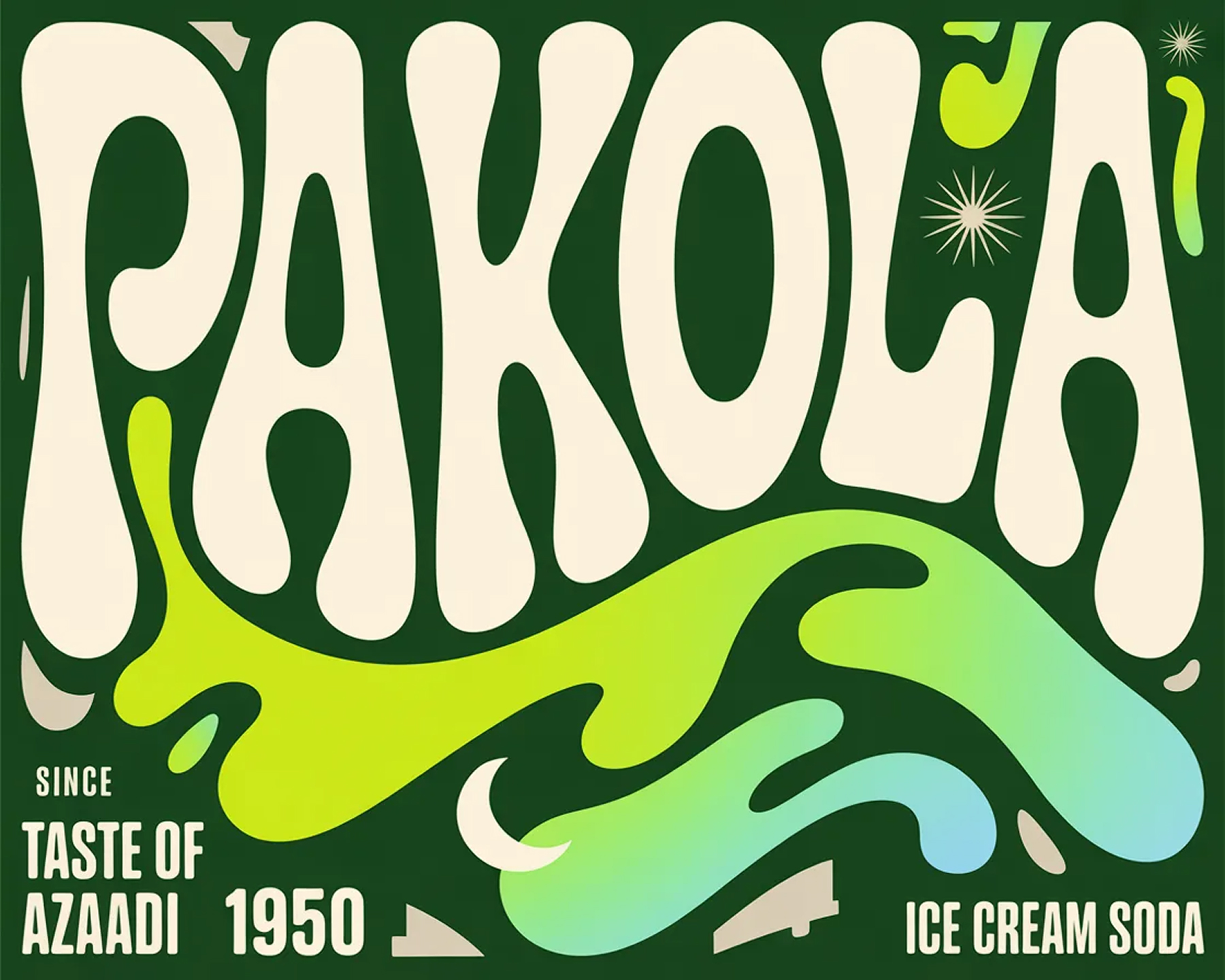
Seedream-style ad creative with on-image text
Seedream-style campaign variant with consistent styling
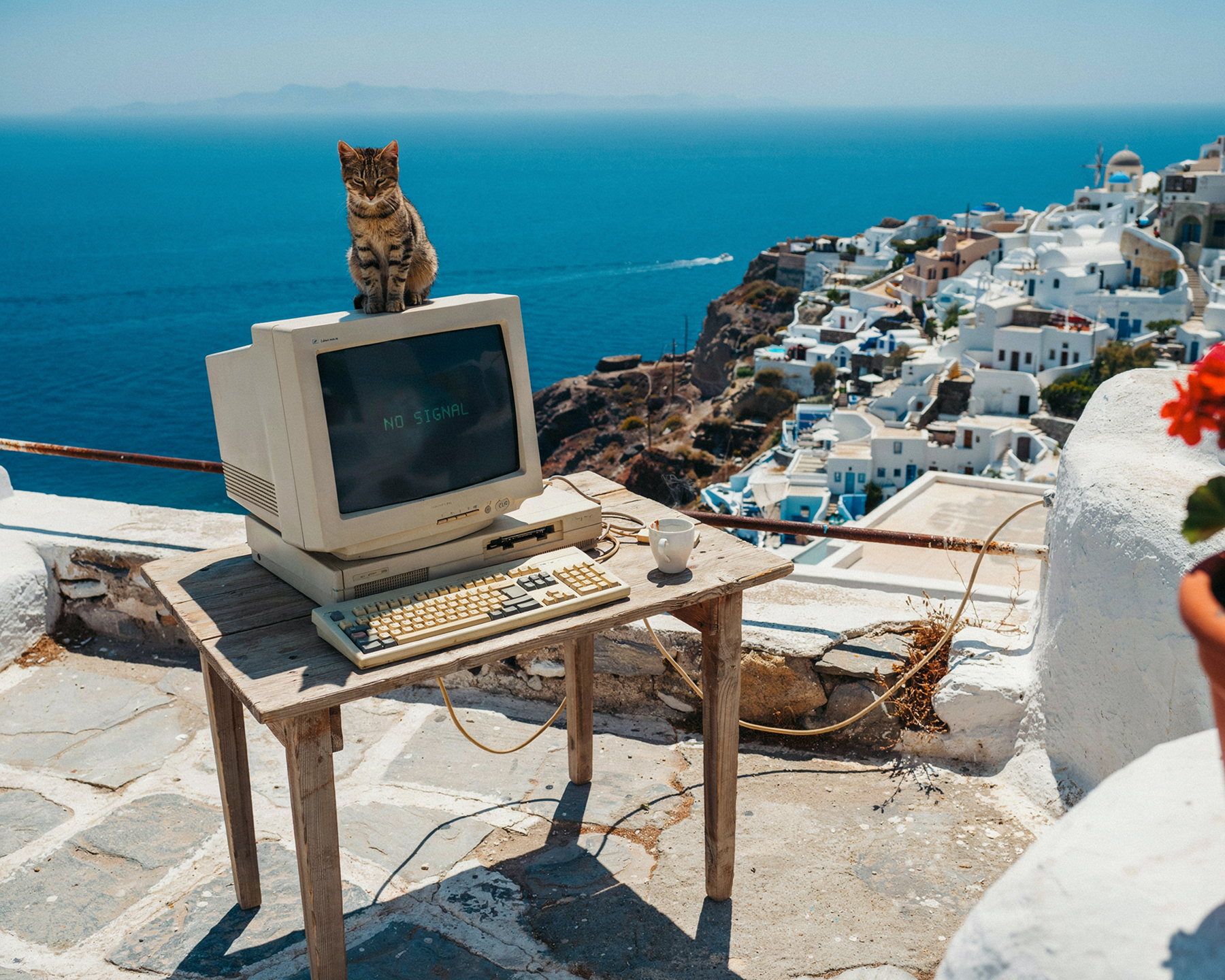
Seedream-style fashion visual with style transfer
Up to 4K
Output resolution
14 refs
Reference images per edit
5.0 Lite
Latest model version
Generate + Edit
Unified architecture
What is Seedream

ByteDance's unified model for generation, editing & consistency

Seedream is ByteDance's AI image model family, built around a single architecture that handles both text-to-image generation and natural-language image editing — object removal, localized edits, recoloring, and text edits that preserve the surrounding style.

What sets Seedream apart for brands is its reference-fusion approach: feed it one or more reference images — a creator's face, a product's packaging, a brand's visual style — and it preserves those identity details while generating new scenes, poses, or campaign variants around them. Seedream 5.0 Lite extends this to up to 14 reference images, with deeper reasoning and real-time web search for up-to-date context.

Seedream also stands out for typography: accurate, readable on-image text that preserves fonts, colors, and alignment — useful for packaging mockups, labels, and ad captions baked directly into the image. On UGCad AI, you can generate Seedream-style visuals through a simple web interface, with no API setup or per-image billing to manage.

Model type
Unified Text-to-Image + Editing
Made by
ByteDance (Seed team)
Latest version
Seedream 5.0 Lite (also 4.5, 4.0)
Max resolution
Up to 4K (4096x4096)
Reference images
Up to 14 per generation
Access
BytePlus, Volcengine, Dreamina, API platforms
Batch output
Up to 9-15 consistent images per run
Best for
Brand-consistent variant testing
Capabilities

What Seedream does best

Six capabilities that make Seedream a strong fit for brand-consistent ad creative at scale.

🔁
Unified Generate + Edit
Create an image from scratch or edit an existing one with natural-language instructions — object swaps, color changes, and text edits, all in one model.
🧩
Multi-Reference Consistency
Combine up to 14 reference images — a face, a product, a background — and generate new scenes that preserve each element's identity and look.
🎨
Style Transfer
Extract the visual style, color palette, and mood from a reference image and apply it across a whole set of new product or campaign visuals.
🪪
Identity & Face Preservation
Keep a creator's facial features, proportions, and skin tone consistent across many generated variants — useful for scaling creator-style ads.
🔤
Sharp Typography
Accurate, readable on-image text that preserves fonts, colors, and alignment — ideal for packaging mockups, labels, and ad captions.
🧪
Batch Variant Generation
Generate up to 9-15 consistent image variants in one run — built for fast A/B testing of ad creative at scale.
Use cases

DTC ad formats Seedream-style AI excels at

Three formats where Seedream's reference consistency and editing turn into stronger, on-brand creative.

Seedream-style brand-consistent creator variant example
Brand-consistent variants
Creator-consistent ad sets
Reference a creator's face or a brand model once, then generate dozens of ad variants — new scenes, outfits, and backgrounds — while keeping that identity consistent.
Seedream-style style transfer across a campaign example
Style transfer
One visual style, many products
Apply a single campaign's color palette, lighting, and mood across an entire product catalog — for a cohesive look without reshooting everything.
Seedream-style packaging mockup with on-image text
Packaging & on-image text
Labels, captions & CTAs
Generate product packaging mockups or ad creative with accurate, readable text baked into the image — no separate text-overlay step needed.

Reference → variant set workflow

A common Seedream workflow: upload a reference image (creator, product, or brand asset), describe the new scene or style, and generate a full set of on-brand variants — ready for A/B testing across ad platforms.

1
Upload reference image(s)
2
Describe the new scene or style
3
Generate a batch of consistent variants
4
Export your favorites for testing
Prompt guide

Seedream-style prompts that perform for DTC

Seedream prompts respond well to reference + instruction pairing — describe what to keep and what to change. Copy, adapt, and iterate.

Beauty / Skincare
"Using the reference product image, place the bottle on a marble countertop with soft morning light, keep the label text and colors exactly as shown, add a small reflection on the surface --ar 4:5"
→ Use for packaging-accurate hero shots
Apparel / Fashion
"Using the reference creator photo, keep the same face and proportions, place them in an urban streetwear scene wearing the reference outfit, golden hour lighting --ar 9:16"
→ Use for creator-consistent campaign variants
Food & Beverage
"Apply the color palette and lighting style from the reference image to this new product photo, add the text 'NEW FLAVOR' in matching typography in the top-right corner --ar 1:1"
→ Use for cohesive multi-SKU campaigns
Health / Supplements
"Using the reference bottle image, generate 6 lifestyle variants — kitchen counter, gym bag, bathroom shelf, desk — keeping the label design identical in each --ar 9:16"
→ Use for fast multi-placement testing
Getting started

How to use Seedream-style AI on UGCad AI

No API keys, no per-image billing — generate brand-consistent visuals in three steps.

1
Upload your reference
Add a creator photo, product shot, or brand asset you want to keep consistent across your generated visuals.
2
Describe the new scene
Tell it what to change — the background, pose, style, or on-image text — while keeping the reference identity intact.
3
Generate & export variants
Produce a batch of on-brand variants and export your favorites for ad testing across platforms.
Pricing

How much does Seedream cost?

Seedream is pay-per-image via ByteDance's API platforms, with no required subscription. UGCad AI bundles Seedream-style generation with every other model.

BytePlus / API access
~$0.02-0.03/image
Pay-per-image via BytePlus ModelArk or API aggregators, with a free trial (~200 images) for new users — no subscription required.
  • ~200-image free trial
  • Up to 4K output
  • Up to 14 reference images
  • Requires API integration
Dreamina app
Free tier
ByteDance's consumer app includes limited free Seedream generations — good for casual experimentation, not built for ad workflows.
  • Limited free generations
  • Consumer mobile/web app
  • No batch variant tooling
  • No ad-specific templates
Comparison

Seedream vs other AI image models

How Seedream stacks up against leading AI image models for DTC ad creation.

ModelMax resolutionMulti-referenceCharacter consistencyText renderingBest for
SeedreamUp to 4K Up to 14 images Strong ExcellentBrand-consistent variant sets
Midjourney~2K Style reference (--sref)ModerateModerateBold, scroll-stopping visuals
Flux~2KLimitedModerateModerateProduct & lifestyle photography
GPT Image 24K Multiple imagesModerate-high High4K images with text rendering
Ideogram~2KLimitedModerate HighText-heavy ad creative
FAQ

Seedream — common questions

What is Seedream?
Seedream is ByteDance's AI image model family, built on a unified architecture that handles both image generation and image editing through natural-language instructions. It's known for multi-reference consistency, style transfer, identity/face preservation, and sharp text rendering — making it popular for brand-consistent ad creative.
What is the latest version of Seedream?
Seedream 5.0 Lite, released in early 2026, is the latest version — adding deeper reasoning, real-time web search for up-to-date references, and support for combining up to 14 reference images in a single edit. Seedream 4.5 (late 2025) and Seedream 4.0 remain widely used via BytePlus and API platforms.
How does Seedream achieve character consistency?
Seedream uses a reference-fusion approach: you supply one or more reference images (a face, product, or brand asset), and the model preserves identity details — facial features, proportions, skin tone, packaging design — while generating new scenes, poses, or styles around them.
What resolution does Seedream support?
Seedream 4.0 and 4.5 support output up to 4K (4096x4096). Seedream 5.0 Lite outputs at 2K-3K with flexible aspect ratio control from 1:1 to 21:9, prioritizing reasoning and reference accuracy over raw pixel count.
Is Seedream free to use?
ByteDance's BytePlus platform offers a free trial (around 200 images) for new users, and the Dreamina app includes limited free generations. Beyond that, Seedream is pay-per-image via API (roughly $0.02-0.03 per image), with no required subscription. UGCad AI includes Seedream-style generation in plans starting at $29/month.
How much does Seedream cost?
Via BytePlus and API aggregators, Seedream is typically priced around $0.02-0.03 per generated image with batch billing (no monthly fee). On UGCad AI, Seedream-style generation is bundled into plans starting at $29/month alongside every other leading image and video model.
Can I use Seedream images for commercial advertising?
Images generated through ByteDance's commercial API platforms (BytePlus, Volcengine) are generally cleared for commercial use under their terms of service — always check current terms for your access method. Images generated on UGCad AI are cleared for use in your brand's paid ad campaigns.
How does Seedream compare to Midjourney and Flux?
Midjourney leans toward bold, artistic visuals; Flux leans toward photorealistic product photography. Seedream's strength is multi-reference consistency and editing — keeping a creator's face, a product's packaging, or a brand's visual style identical across many generated variants, plus accurate on-image text rendering.
How many reference images can Seedream use?
Seedream 4.0 supports up to 10 reference images per generation; Seedream 5.0 Lite extends this to 14, allowing complex compositing and character-fusion tasks — useful for assembling a scene from a creator photo, a product shot, and a background reference in one pass.
How do I access Seedream?
Seedream is available through ByteDance's BytePlus (ModelArk) API, Volcengine in China, the Dreamina consumer app, and third-party API platforms like fal, WaveSpeed, and OpenRouter. On UGCad AI, Seedream-style generation is available through a simple web interface with no API setup required.

Generate Seedream-style visuals today

Brand-consistent, reference-driven creative — all on UGCad AI, no API setup required.

Try Seedream-style AI on UGCad AI →