Flux AI for UGC Ads — Photorealistic Images | UGCad AI
Flux · Black Forest Labs · Image Model

Create photorealistic product photos with Flux AI

Flux is Black Forest Labs' text-to-image model, prized for photorealism and prompt accuracy. On UGCad AI, generate Flux-quality product and lifestyle images for your ad creative — no setup, no GPU required.
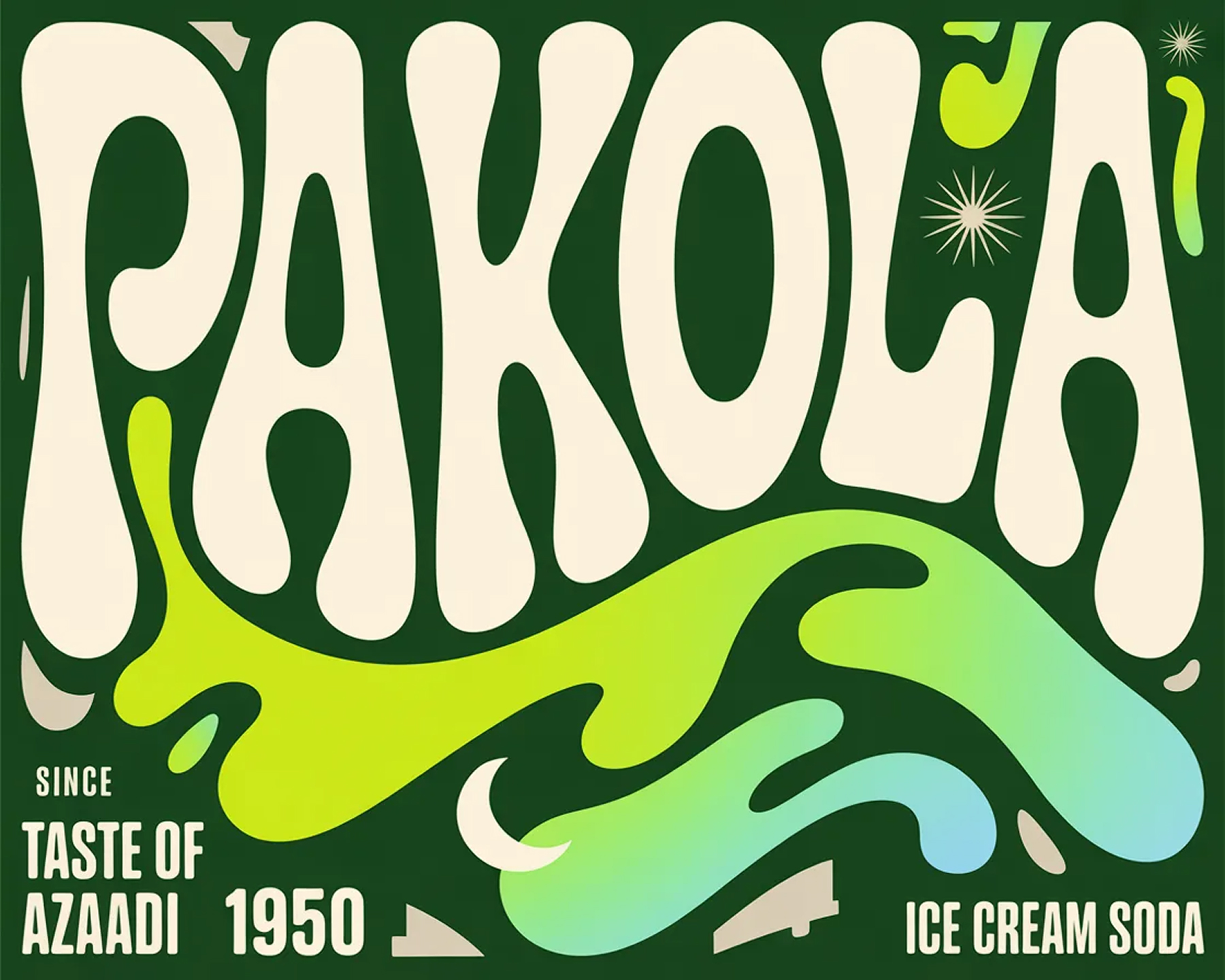
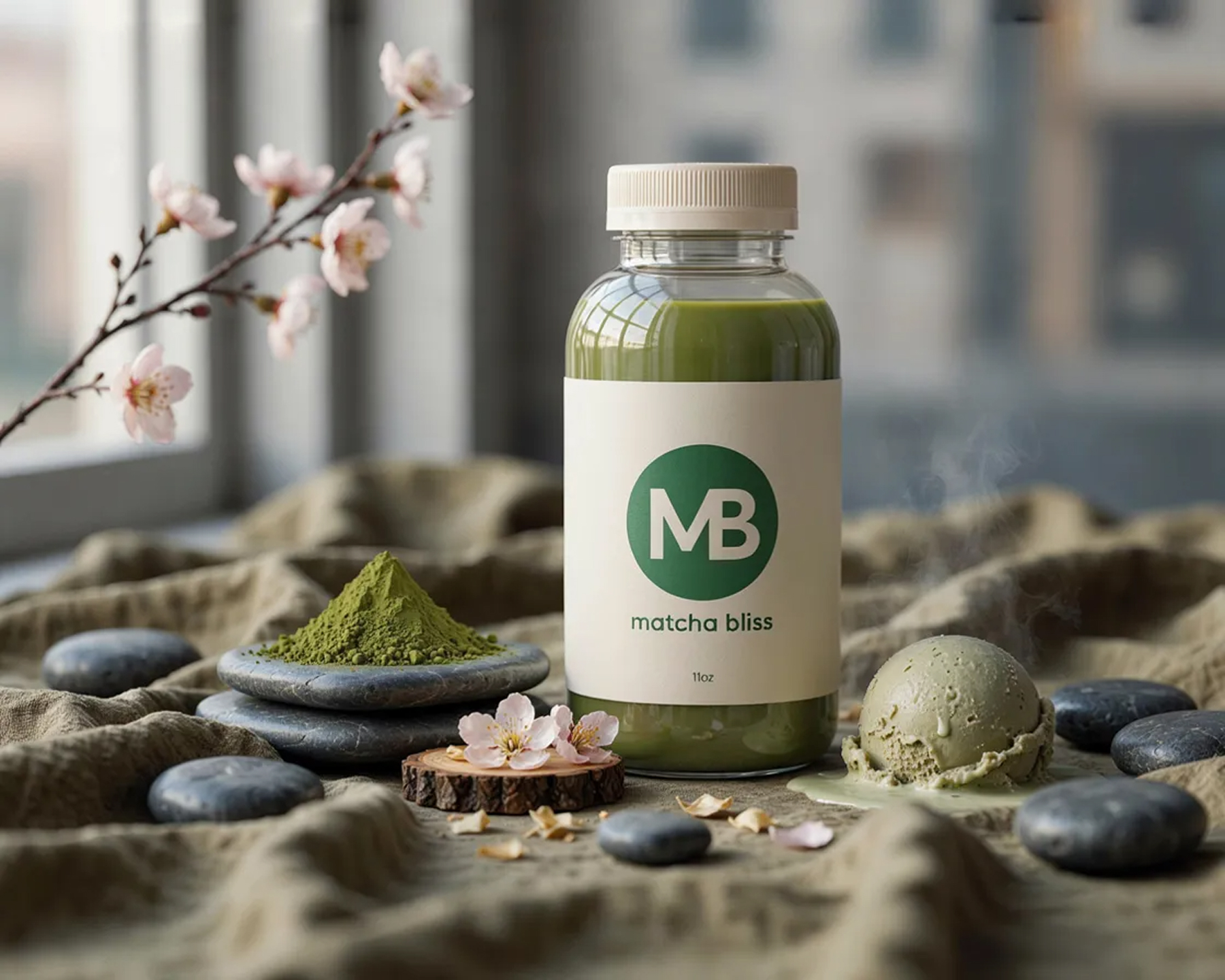
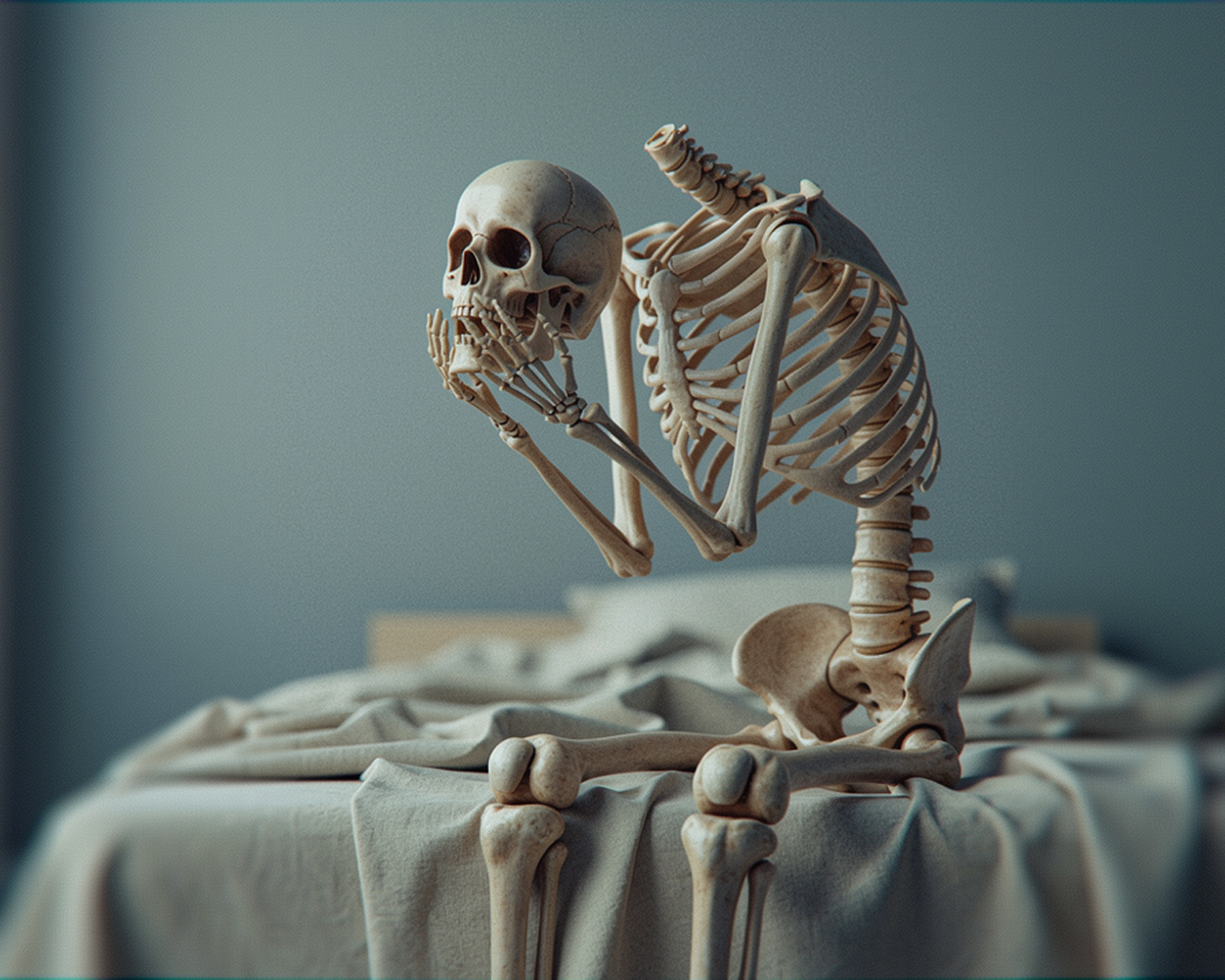
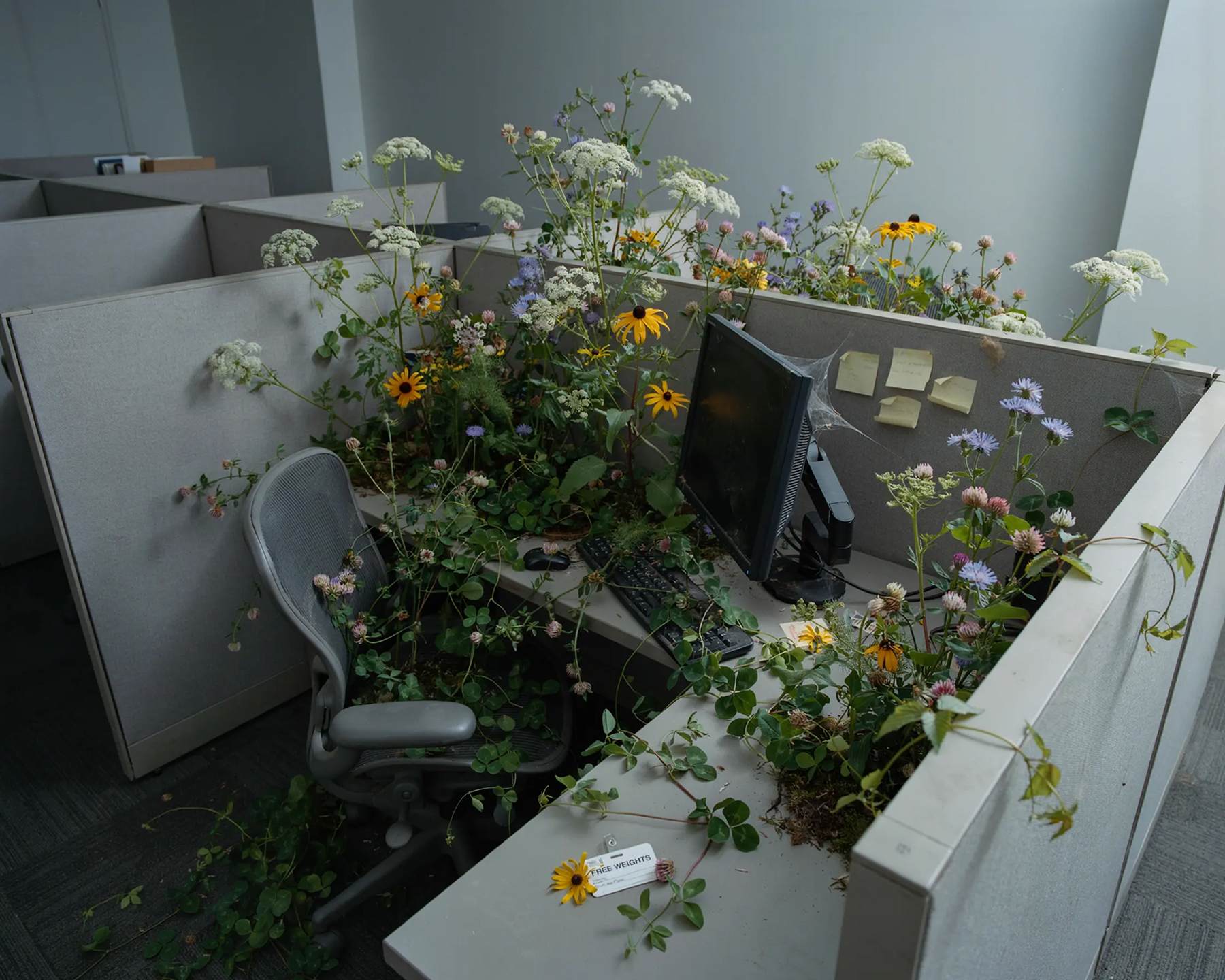
Photorealistic product photo generated with Flux AI
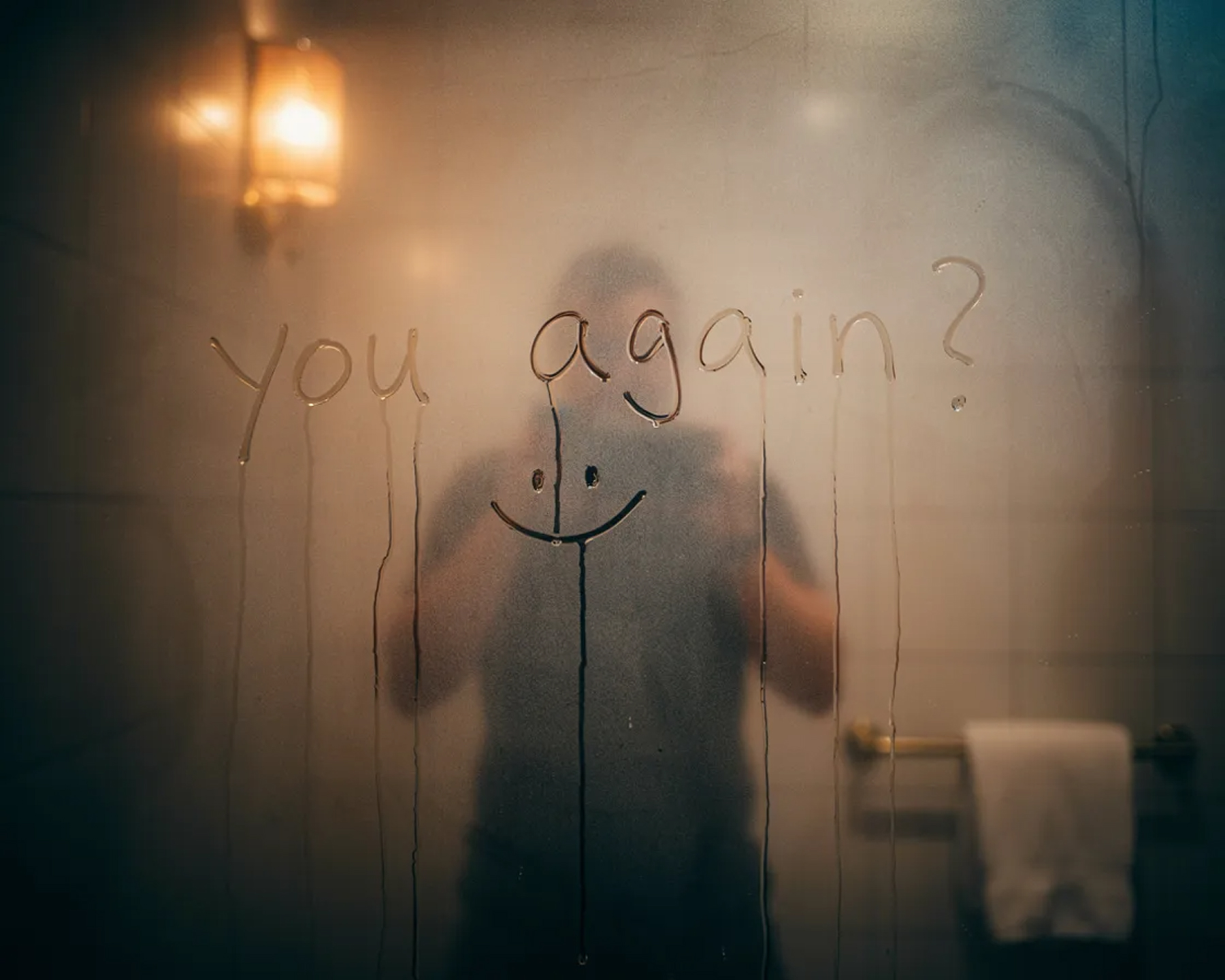
Lifestyle product scene generated with Flux AI
Flux AI generated apparel photography
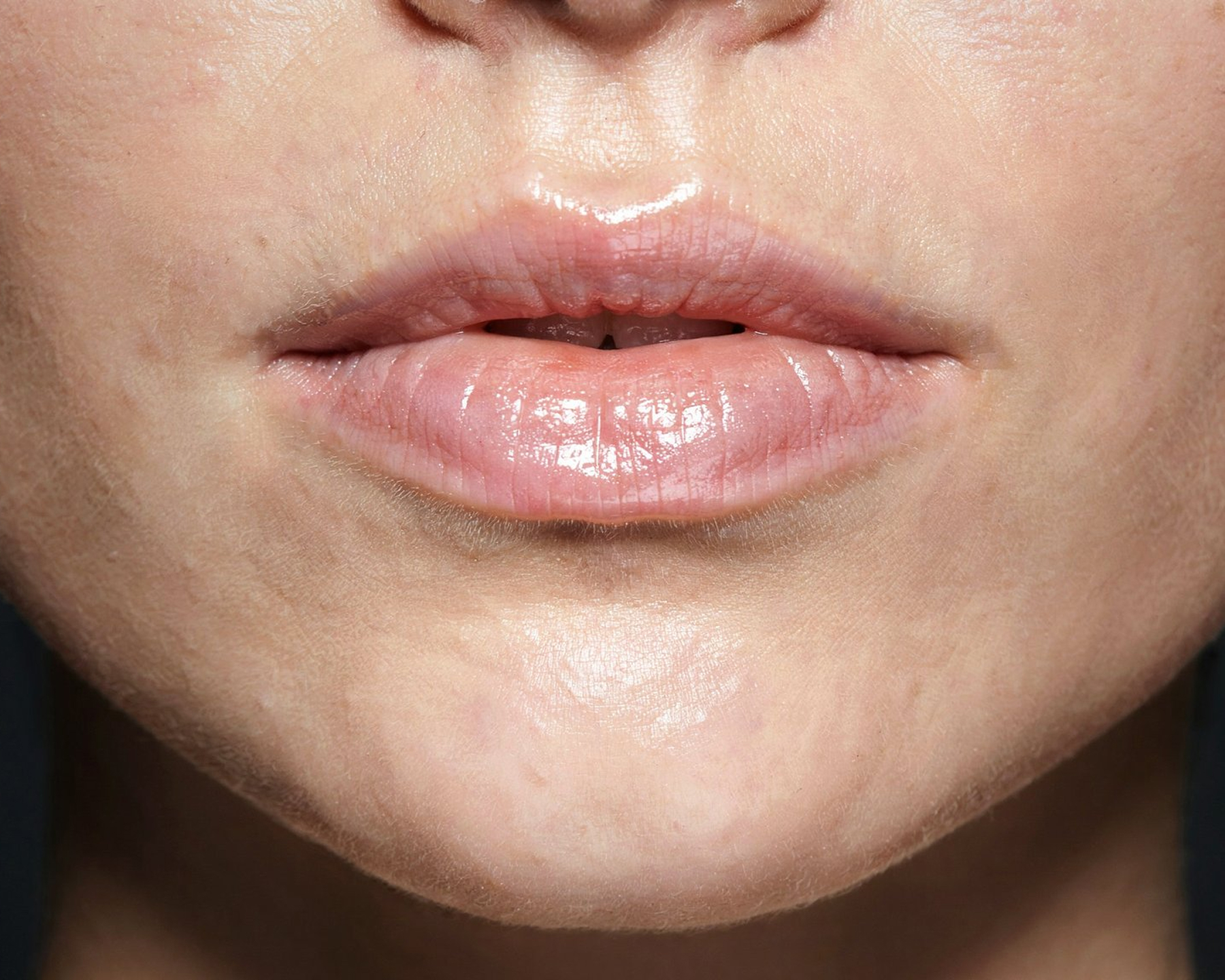
Flux AI generated beauty product image
Flux AI generated food and beverage photography
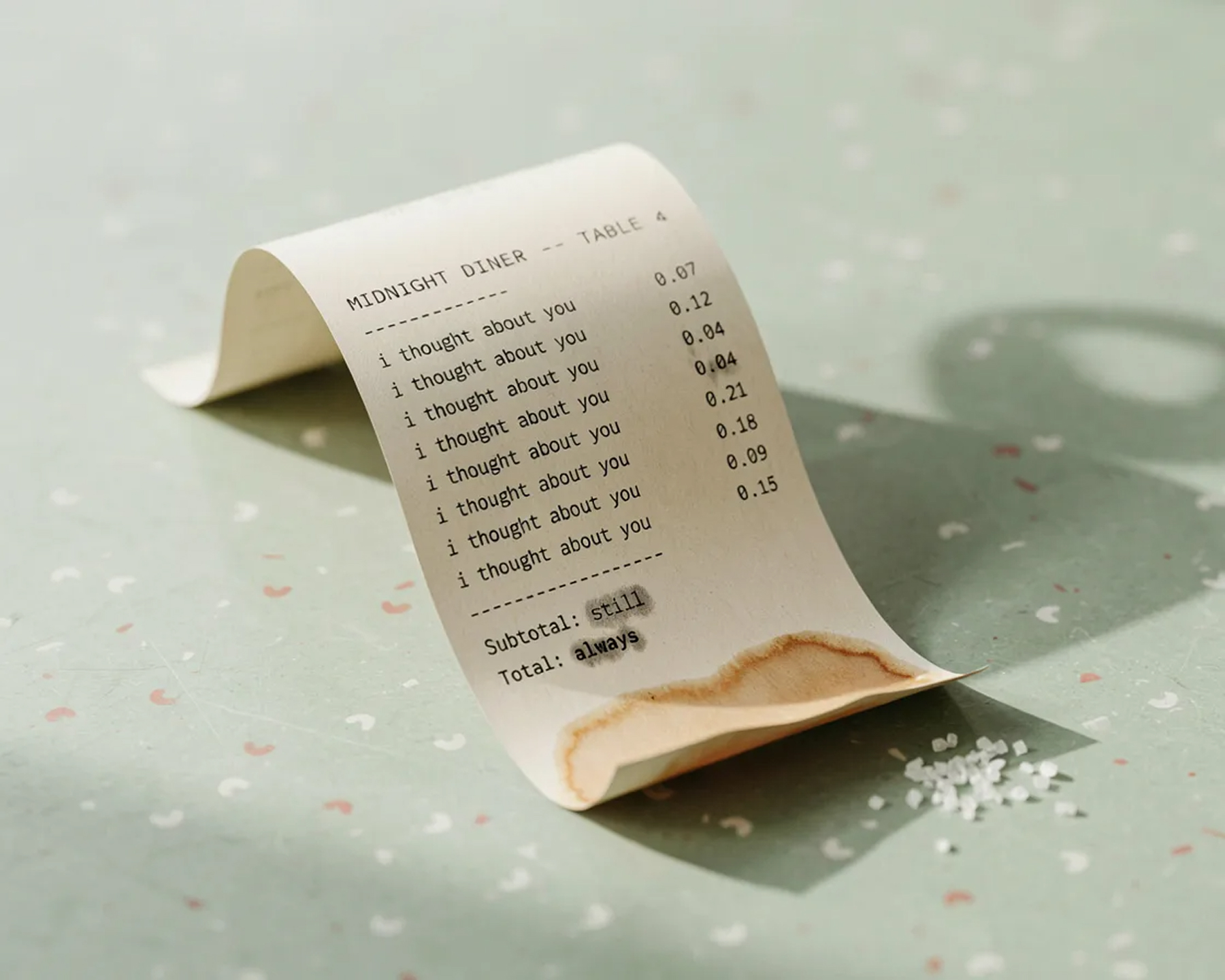
Flux AI generated tech product photo
Photoreal
Output quality
Strong
Prompt adherence
3 variants
Schnell, Dev, Pro
<30s
Generation time
What is Flux AI

Black Forest Labs' photorealistic image model

Flux is a family of text-to-image models developed by Black Forest Labs, a company founded by several of the original researchers behind Stable Diffusion. Flux quickly became known for two things: photorealistic image quality and unusually accurate prompt adherence — what you describe is what you get, including legible text, correct hand anatomy, and faithful object counts.

Flux ships in multiple variants tuned for different needs. Flux.1 [schnell] is open-weight and built for speed, generating images in seconds. Flux.1 [dev] offers higher fidelity for non-commercial use. Flux.1 [pro] and newer Pro releases deliver the highest quality and are accessible commercially through API providers like Replicate and fal.ai.

For DTC brands, Flux's combination of realism and accuracy makes it a strong choice for product photography — clean studio shots, lifestyle scenes with the product placed naturally, and consistent packaging or label rendering across multiple variations. On UGCad AI, Flux-quality generation is available without any setup.

Model type
Text-to-Image
Made by
Black Forest Labs
Max resolution
~2 megapixels
Prompt adherence
Strong — accurate text & detail
Variants
Schnell, Dev, Pro 1.1
Output formats
Square, portrait, landscape
Available on
Self-host, Replicate, fal.ai, UGCad AI
Best for
Product & lifestyle photography
Capabilities

What Flux AI does best

Six capabilities that make Flux a go-to model for product-focused ad creative.

📸
Photorealistic Rendering
Flux produces images that closely resemble real photography — natural lighting, materials, and textures that hold up at scale.
🎯
Strong Prompt Adherence
Flux follows detailed prompts closely, including object counts, spatial relationships, and on-product text — fewer regenerations to get it right.
Fast Iteration with Schnell
The Flux.1 [schnell] variant generates images in seconds, ideal for quickly testing many creative directions before committing to a final.
🖼️
Consistent Product Details
Packaging shapes, labels, and product silhouettes stay consistent across variations — important when generating multiple ad creatives for the same SKU.
🔓
Open-Weight Options
Flux.1 [schnell] and [dev] are open-weight, giving teams the option to self-host for full control over their pipeline.
🎨
Wide Style Range
From clean studio product shots to lived-in lifestyle scenes, Flux adapts to a broad range of visual styles within a single model.
Use cases

DTC ad formats Flux excels at

Three formats where Flux's photorealism and prompt accuracy directly translate into stronger ad creative.
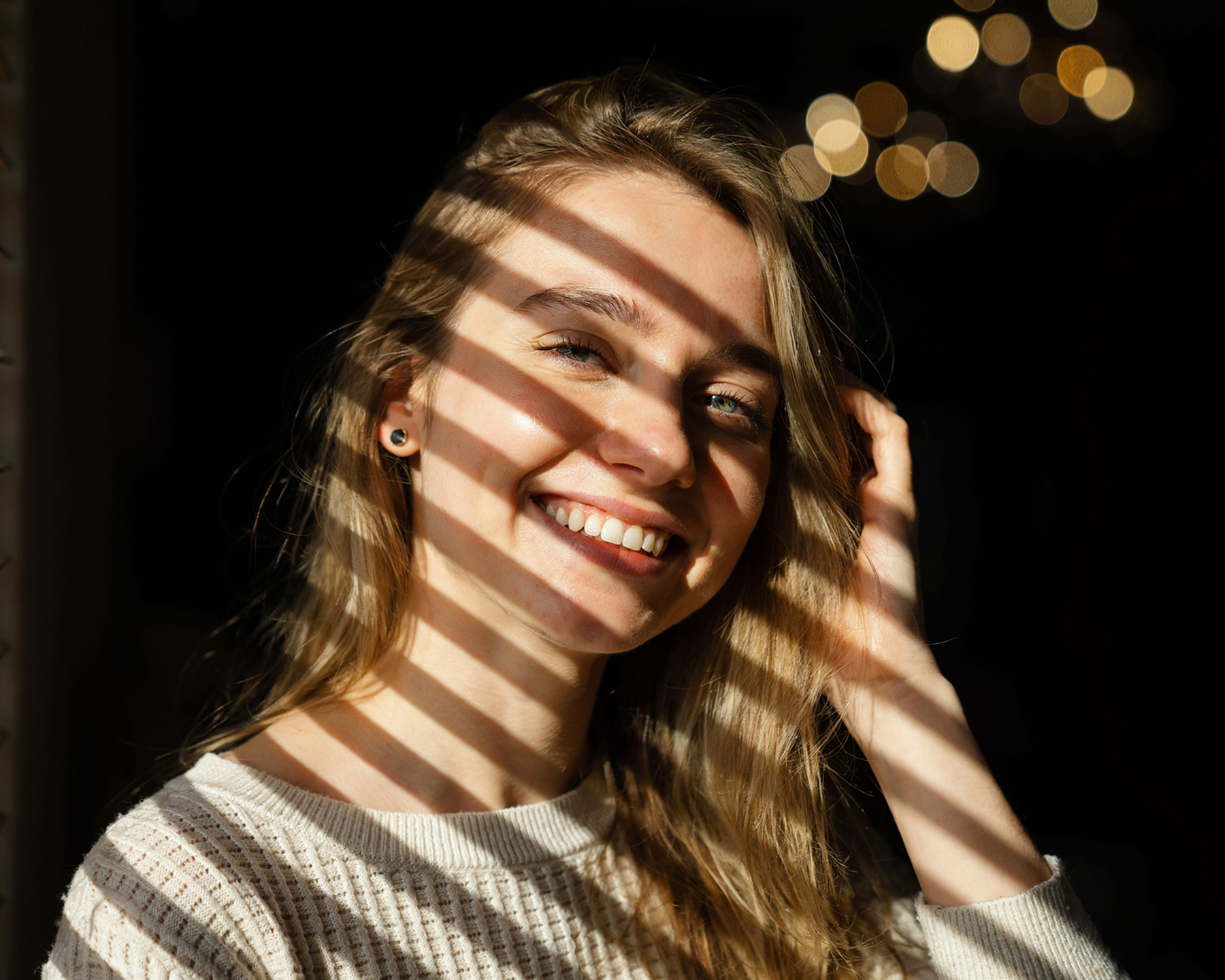
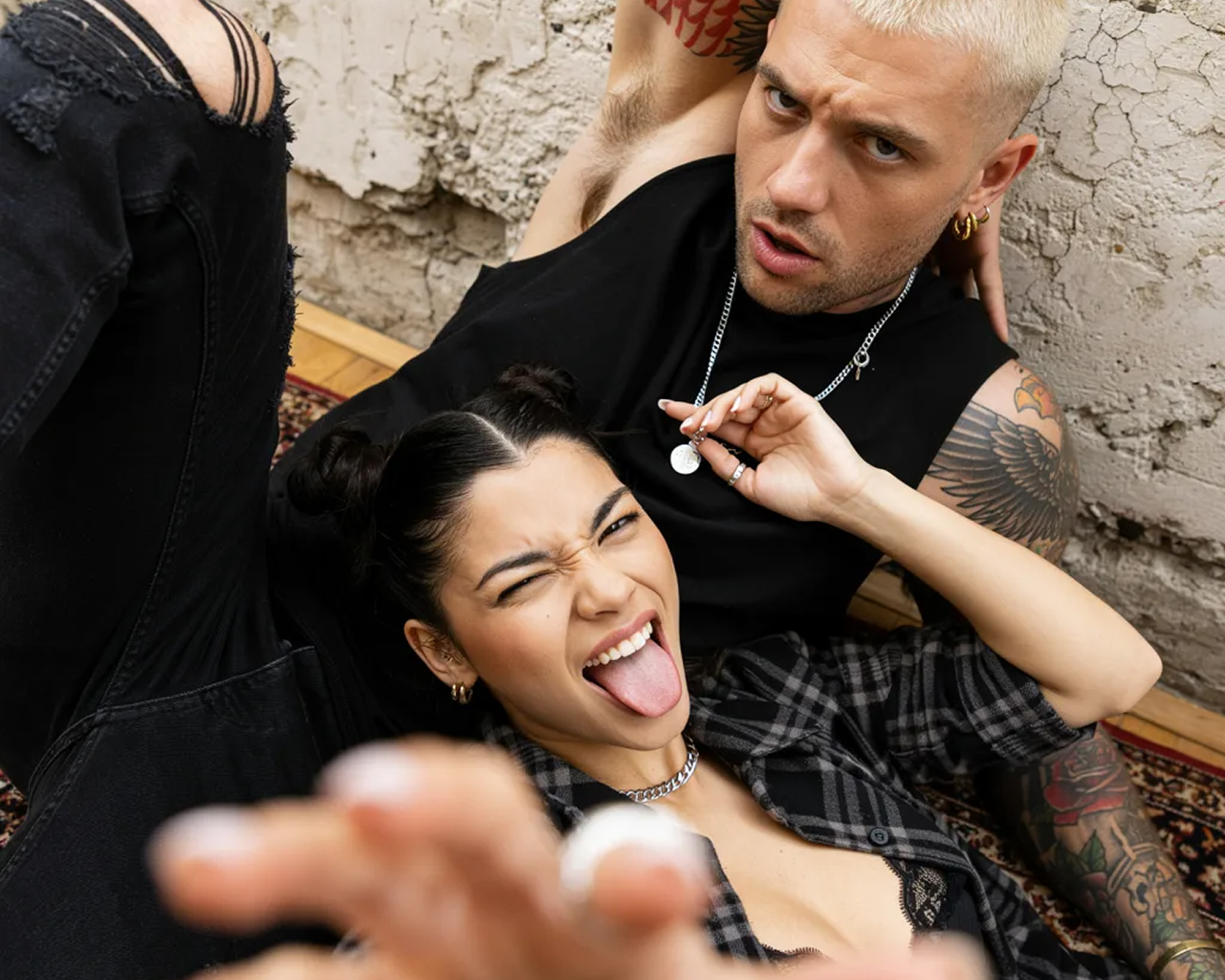
Flux AI product photography example
Product photography
Studio-quality product shots
Generate clean, well-lit product photography on any background — no studio, no photographer, consistent results across your full catalog.
Flux AI lifestyle scene composition example
Lifestyle scenes
Product-in-context lifestyle images
Place your product naturally into real-world scenes — a kitchen counter, a gym bag, a bathroom shelf — for ads that feel authentic rather than staged.
Flux AI ad creative variant testing example
Variant testing
Creative variants for A/B testing
Generate dozens of background, angle, and styling variations of the same product fast with Flux.1 [schnell] — then test which creative wins on Meta or TikTok.

Flux image → AI video workflow

Many UGC ad workflows start with a Flux-generated product image, then animate it into a short video using a model like Kling AI or Seedance 2.0 — all available on UGCad AI.

1
Generate a product image with Flux
2
Refine composition and lighting
3
Animate with an image-to-video model
4
Export as a finished UGC ad
Prompt guide

Flux prompts that perform for DTC

Flux rewards specific, descriptive prompts. Copy, adapt, and iterate on these starting points.

Beauty / Skincare
"A glass amber dropper bottle of facial serum on a marble surface, soft natural window light, a few water droplets on the bottle, minimal shadow, shot on 50mm lens, photorealistic product photography."
→ Use for hero product shots on PDPs and static ads
Apparel / Fashion
"A folded knit sweater in cream color on a wooden table next to a cup of coffee, soft morning light through a window, cozy autumn aesthetic, photorealistic, shallow depth of field."
→ Use for lifestyle flat-lay creative
Food & Beverage
"A can of sparkling water surrounded by fresh citrus slices and ice cubes on a dark slate surface, condensation droplets visible, dramatic side lighting, commercial beverage photography style."
→ Use for thumb-stopping social ad creative
Tech / Gadgets
"A wireless charging pad with a smartphone resting on it at a slight angle, on a clean white desk with a plant in soft focus background, bright even studio lighting, minimalist product photography."
→ Use for clean, modern product ads
Getting started

How to use Flux AI on UGCad AI

From idea to finished product image in three steps.

1
Write your prompt
Describe the product, setting, lighting, and style. The more specific the prompt, the closer Flux gets on the first try.
2
Attach reference images (optional)
Upload your product photo or packaging as a reference so Flux keeps shapes, labels, and colors accurate.
3
Export or animate
Download the finished image, or send it straight into a video model on UGCad AI to create a moving ad.
Pricing

How much does Flux AI cost?

Flux is available free to self-host, via paid APIs, or bundled into UGCad AI with every other model.

Self-hosted
Free
Flux.1 [schnell] is open-weight and free to run on your own GPU. Flux.1 [dev] is free for non-commercial use.
  • Open-weight models
  • Requires GPU hardware
  • Dev variant is non-commercial
  • No ad-specific tooling
Cloud API (Replicate / fal.ai)
~$0.003-0.05/image
Flux Pro and other variants available via API on a pay-per-image basis. Good for custom pipelines and bulk generation.
  • Flux.1 [schnell], [dev], [pro] available
  • Pay per image
  • No ad-specific templates
  • Developer setup required
Comparison

Flux vs other AI image models

How Flux stacks up against leading AI image models for DTC ad creation.

ModelPhotorealismPrompt adherenceSpeedOpen weightsBest for
FluxVery highVery strongSeconds (Schnell) Schnell/DevProduct & lifestyle photography
GPT Image 2HighStrong~30s4K images with text rendering
IdeogramHighStrong~20sText-heavy ad creative
MidjourneyStylized / artisticModerate~60sBold, artistic visuals
DALL·E 3ModerateStrong~20sQuick concept visuals
FAQ

Flux AI — common questions

What is Flux AI?
Flux is a family of text-to-image AI models from Black Forest Labs, founded by some of the original creators of Stable Diffusion. Flux is known for photorealistic output, strong prompt adherence, and accurate rendering of text, hands, and complex scenes — making it a popular choice for product and lifestyle photography.
What are the different Flux model variants?
Black Forest Labs offers several Flux variants: Flux.1 [schnell] (fastest, open-weight, good for rapid iteration), Flux.1 [dev] (open-weight, higher quality, non-commercial license), and Flux.1 [pro] / Flux Pro 1.1 (highest quality, commercial use via API). Newer Flux models continue to improve speed and photorealism.
Is Flux AI free to use?
Flux.1 [schnell] and [dev] are open-weight and can be self-hosted for free (dev has a non-commercial license). Flux Pro is available via paid APIs like Replicate and fal.ai on a per-image basis. On UGCad AI, Flux-quality image generation is included on paid plans starting at $29/month.
How does Flux compare to Midjourney?
Midjourney is known for stylized, artistic, often dramatic imagery and has the largest user base of any image model. Flux focuses on photorealism, prompt accuracy, and clean commercial product shots — closer to a real photograph than Midjourney's signature aesthetic. For DTC product photography where accuracy to the brief matters, Flux often has the edge; for bold creative/artistic visuals, Midjourney is frequently preferred.
How does Flux compare to Stable Diffusion?
Flux was built by former Stable Diffusion team members and represents a significant step up in image quality, prompt adherence, and text rendering compared to earlier Stable Diffusion versions, while Flux.1 [dev] and [schnell] remain open-weight in the same spirit as Stable Diffusion's open releases.
What resolution does Flux AI support?
Flux models typically generate images up to around 2 megapixels (roughly 1440x1440 or higher depending on aspect ratio), with support for a range of aspect ratios including square, portrait 4:5 and 9:16, and landscape formats suitable for ads.
Is Flux good for product photography?
Yes. Flux's strong prompt adherence and photorealistic rendering make it well suited to generating clean product shots, lifestyle scenes with a product placed naturally, and consistent packaging or label details — common needs for DTC ad creative.
How much does Flux cost?
Self-hosting Flux.1 [schnell] or [dev] is free if you have the GPU hardware. Flux Pro via API providers like Replicate or fal.ai is billed per image, typically a few cents each. On UGCad AI, Flux-quality generation is bundled into plans starting at $29/month alongside other image and video models.
Can I use Flux-generated images for commercial ads?
Flux.1 [pro] and outputs from commercial API providers are generally licensed for commercial use; Flux.1 [dev] has a non-commercial license for self-hosted use. Images generated on UGCad AI are cleared for use in your brand's paid ad campaigns.
How fast is Flux at generating images?
Flux.1 [schnell] is built for speed and can generate an image in a few seconds. Flux Pro variants take slightly longer in exchange for higher fidelity. On UGCad AI, most Flux-quality images are ready in under 30 seconds.

Generate Flux-quality images today

Photorealistic product photography, strong prompt adherence, fast iteration — all on UGCad AI.

Try Flux on UGCad AI →