Brand-consistent visuals with Seedream-style AI image generation
Seedream is ByteDance's unified image generation and editing model — built for multi-reference consistency, style transfer, and identity-preserving edits. On UGCad AI, generate Seedream-style, on-brand ad visuals through a simple web interface.
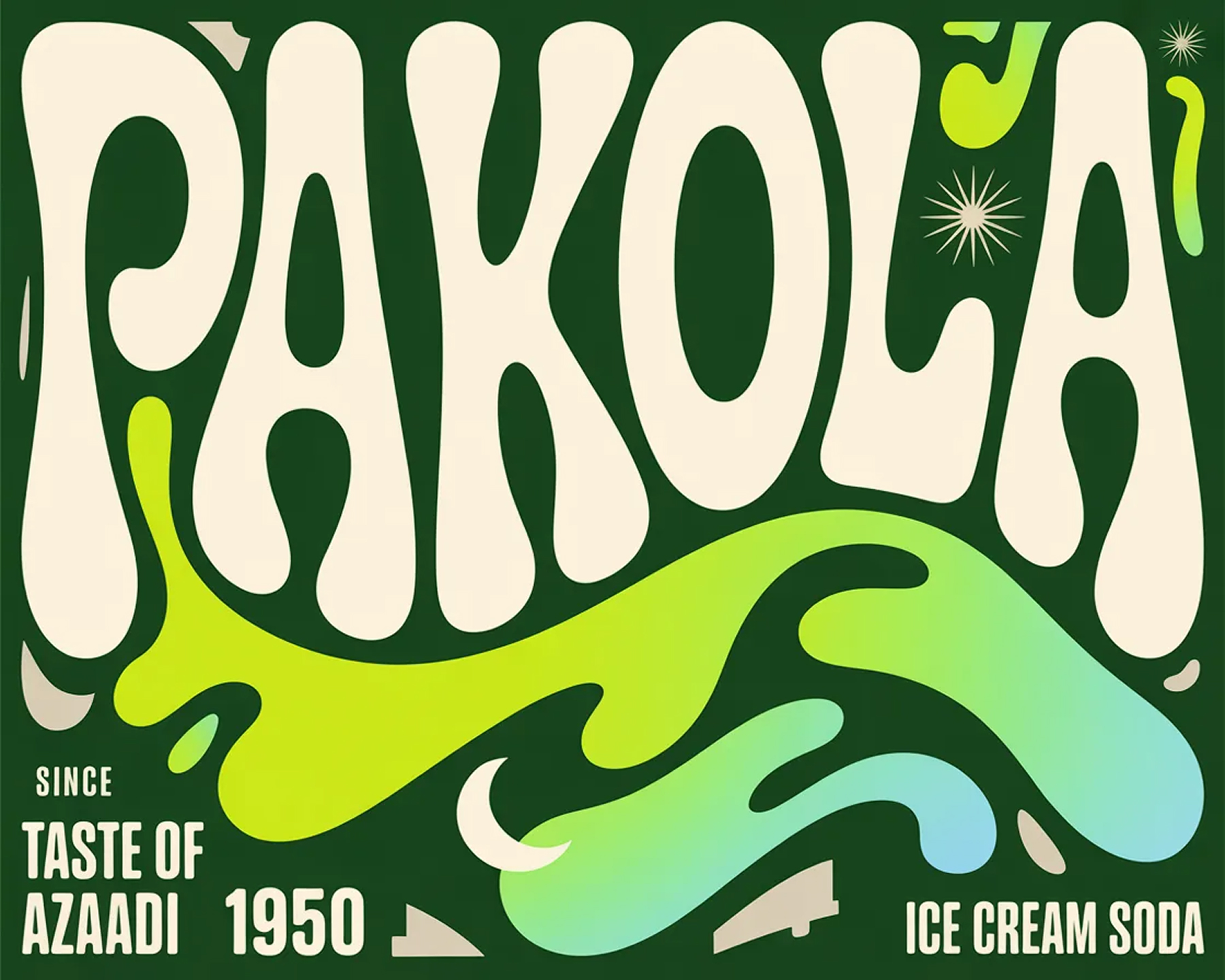


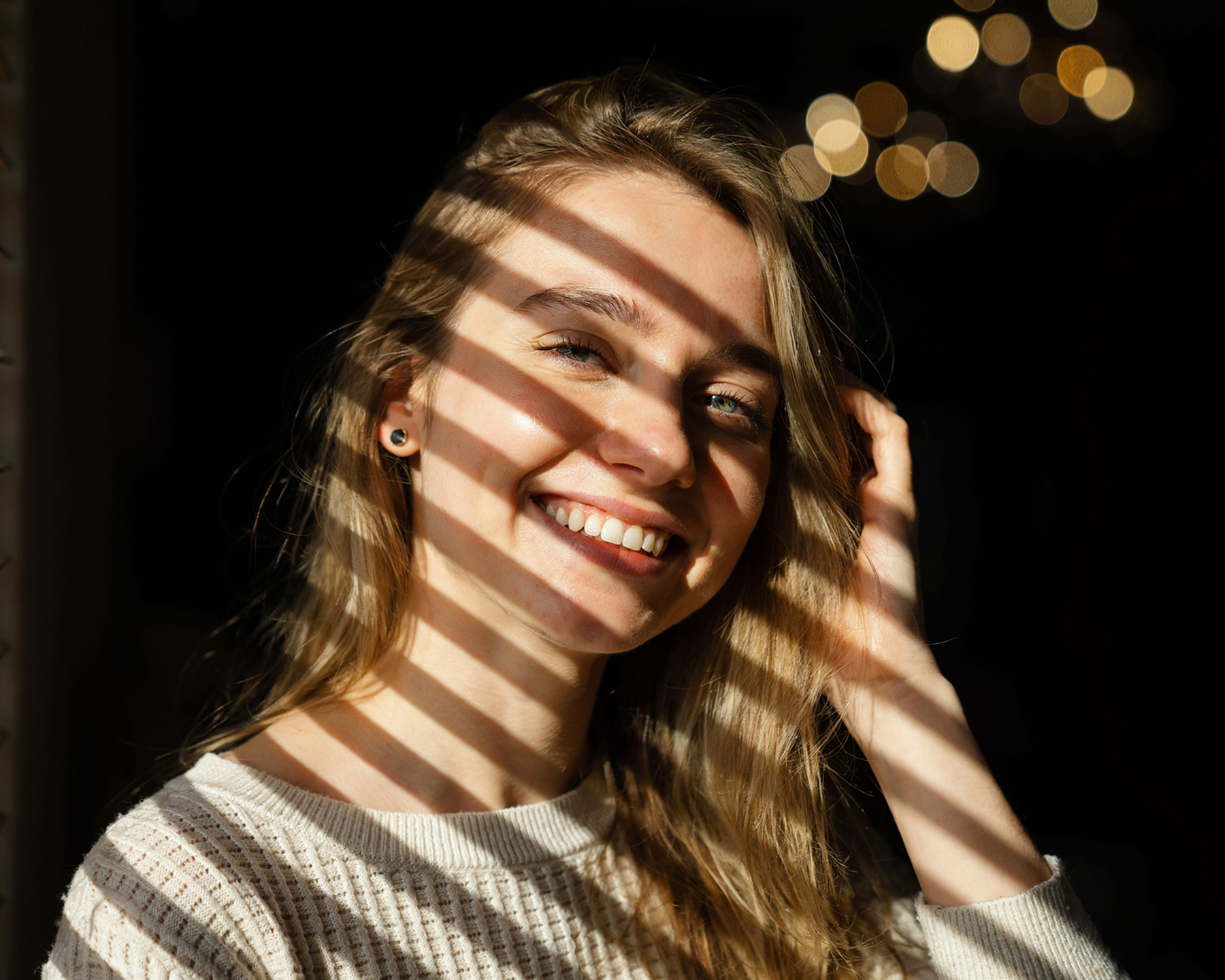
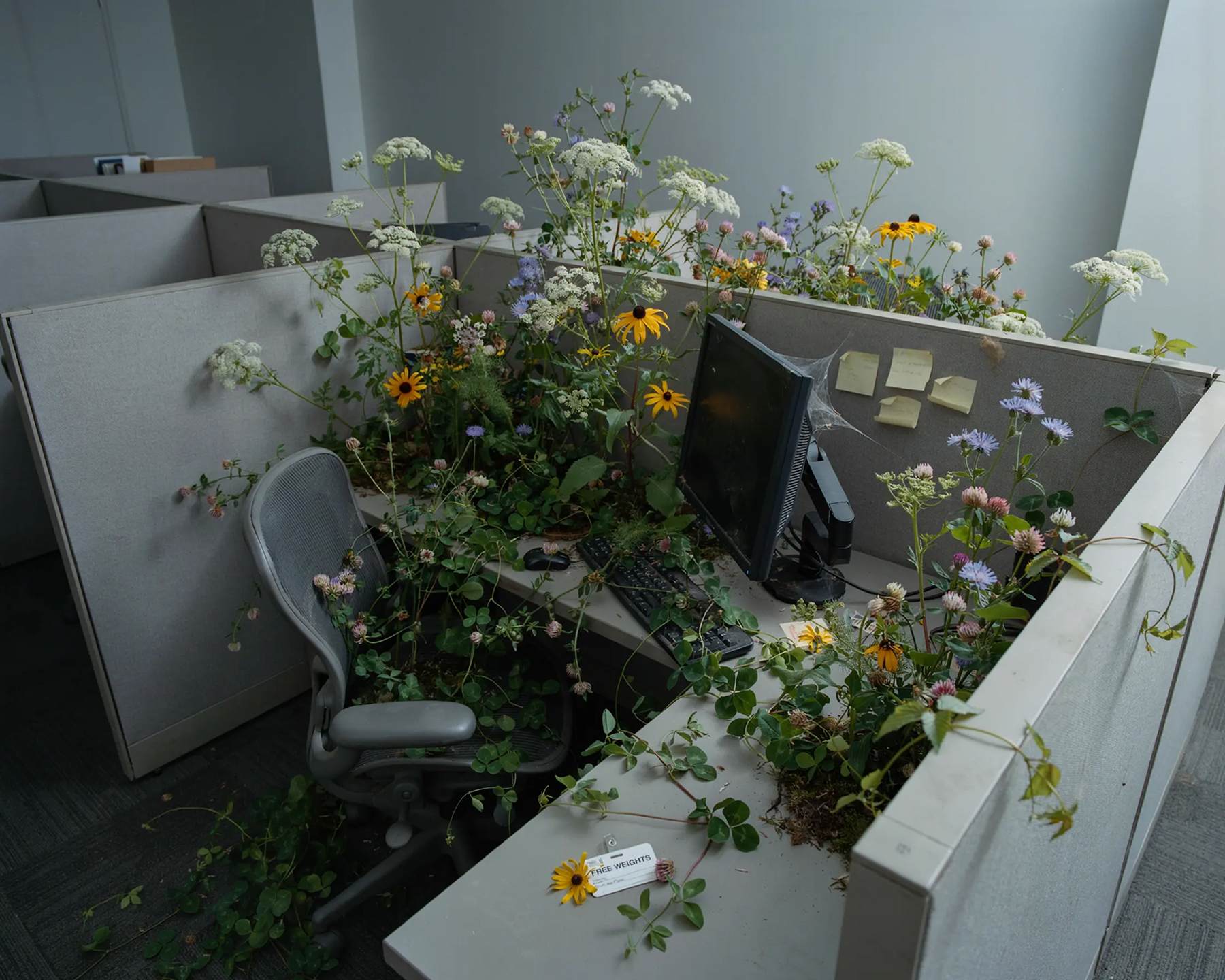
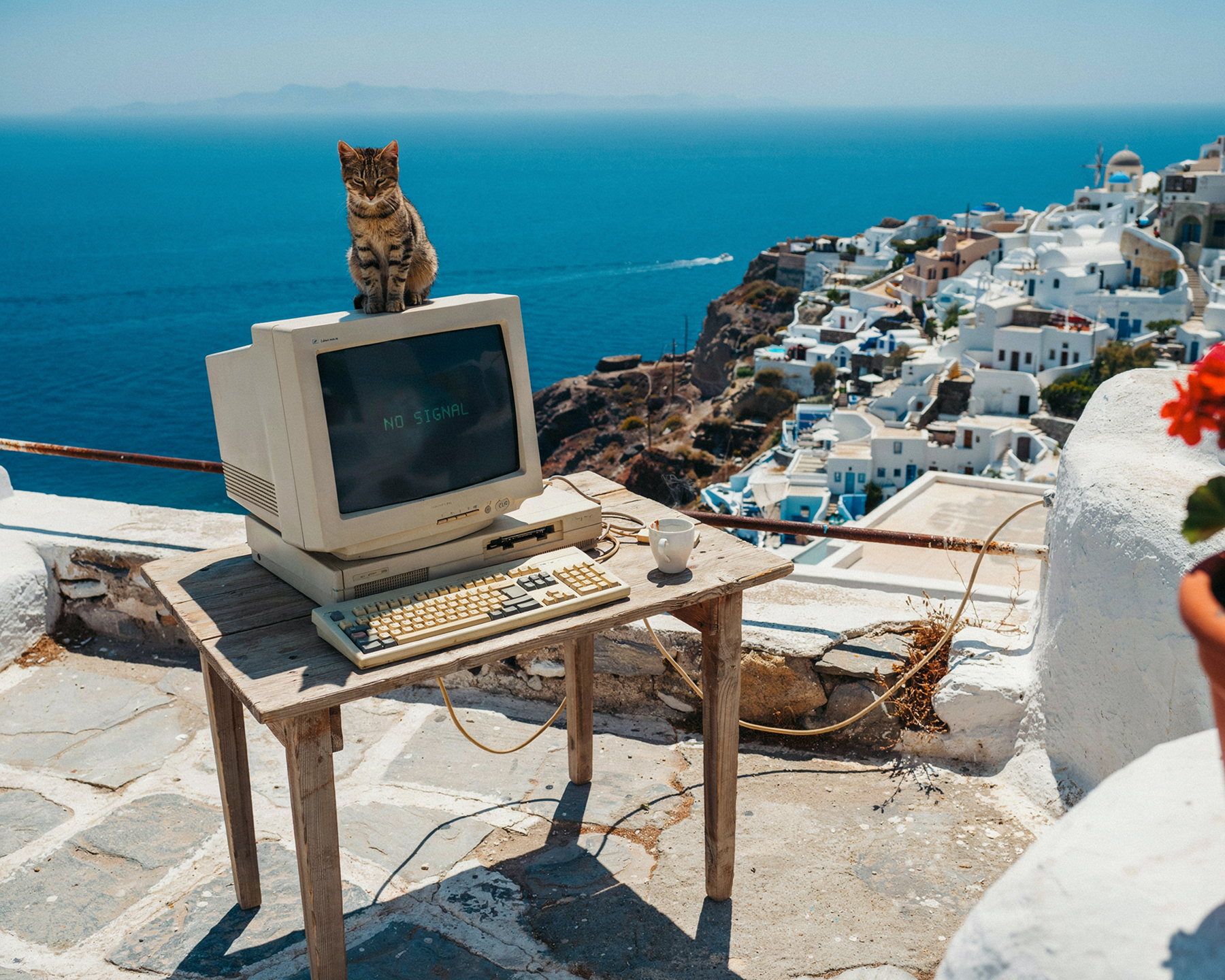
ByteDance's unified model for generation, editing & consistency
Seedream is ByteDance's AI image model family, built around a single architecture that handles both text-to-image generation and natural-language image editing — object removal, localized edits, recoloring, and text edits that preserve the surrounding style.
What sets Seedream apart for brands is its reference-fusion approach: feed it one or more reference images — a creator's face, a product's packaging, a brand's visual style — and it preserves those identity details while generating new scenes, poses, or campaign variants around them. Seedream 5.0 Lite extends this to up to 14 reference images, with deeper reasoning and real-time web search for up-to-date context.
Seedream also stands out for typography: accurate, readable on-image text that preserves fonts, colors, and alignment — useful for packaging mockups, labels, and ad captions baked directly into the image. On UGCad AI, you can generate Seedream-style visuals through a simple web interface, with no API setup or per-image billing to manage.
What Seedream does best
Six capabilities that make Seedream a strong fit for brand-consistent ad creative at scale.
DTC ad formats Seedream-style AI excels at
Three formats where Seedream's reference consistency and editing turn into stronger, on-brand creative.



Reference → variant set workflow
A common Seedream workflow: upload a reference image (creator, product, or brand asset), describe the new scene or style, and generate a full set of on-brand variants — ready for A/B testing across ad platforms.
Seedream-style prompts that perform for DTC
Seedream prompts respond well to reference + instruction pairing — describe what to keep and what to change. Copy, adapt, and iterate.
How to use Seedream-style AI on UGCad AI
No API keys, no per-image billing — generate brand-consistent visuals in three steps.
How much does Seedream cost?
Seedream is pay-per-image via ByteDance's API platforms, with no required subscription. UGCad AI bundles Seedream-style generation with every other model.
- ~200-image free trial
- Up to 4K output
- Up to 14 reference images
- Requires API integration
- Seedream-style consistency & style transfer
- Midjourney, Flux, GPT Image 2 also included
- Vertical, square & widescreen formats
- No API keys or per-image billing
- Commercial use licence included
- Limited free generations
- Consumer mobile/web app
- No batch variant tooling
- No ad-specific templates
Seedream vs other AI image models
How Seedream stacks up against leading AI image models for DTC ad creation.
| Model | Max resolution | Multi-reference | Character consistency | Text rendering | Best for |
|---|---|---|---|---|---|
| Seedream | Up to 4K | ✓ Up to 14 images | ✓ Strong | ✓ Excellent | Brand-consistent variant sets |
| Midjourney | ~2K | ✓ Style reference (--sref) | Moderate | Moderate | Bold, scroll-stopping visuals |
| Flux | ~2K | Limited | Moderate | Moderate | Product & lifestyle photography |
| GPT Image 2 | 4K | ✓ Multiple images | Moderate-high | ✓ High | 4K images with text rendering |
| Ideogram | ~2K | Limited | Moderate | ✓ High | Text-heavy ad creative |
Seedream — common questions
What is Seedream?
What is the latest version of Seedream?
How does Seedream achieve character consistency?
What resolution does Seedream support?
Is Seedream free to use?
How much does Seedream cost?
Can I use Seedream images for commercial advertising?
How does Seedream compare to Midjourney and Flux?
How many reference images can Seedream use?
How do I access Seedream?
Generate Seedream-style visuals today
Brand-consistent, reference-driven creative — all on UGCad AI, no API setup required.
Try Seedream-style AI on UGCad AI →